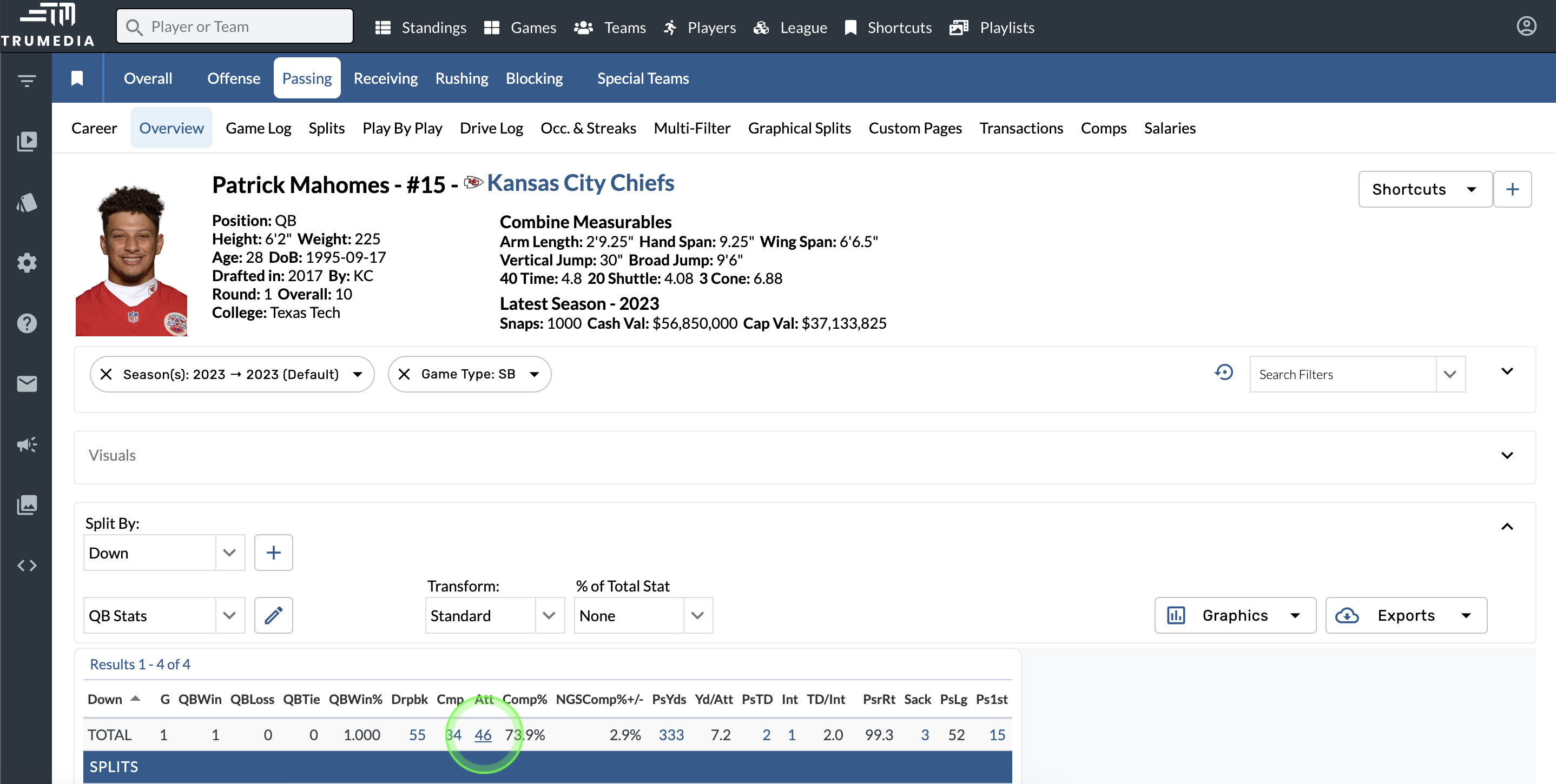
Open the video player
-
Select a number highlighted in blue or an individual event on a graphic.
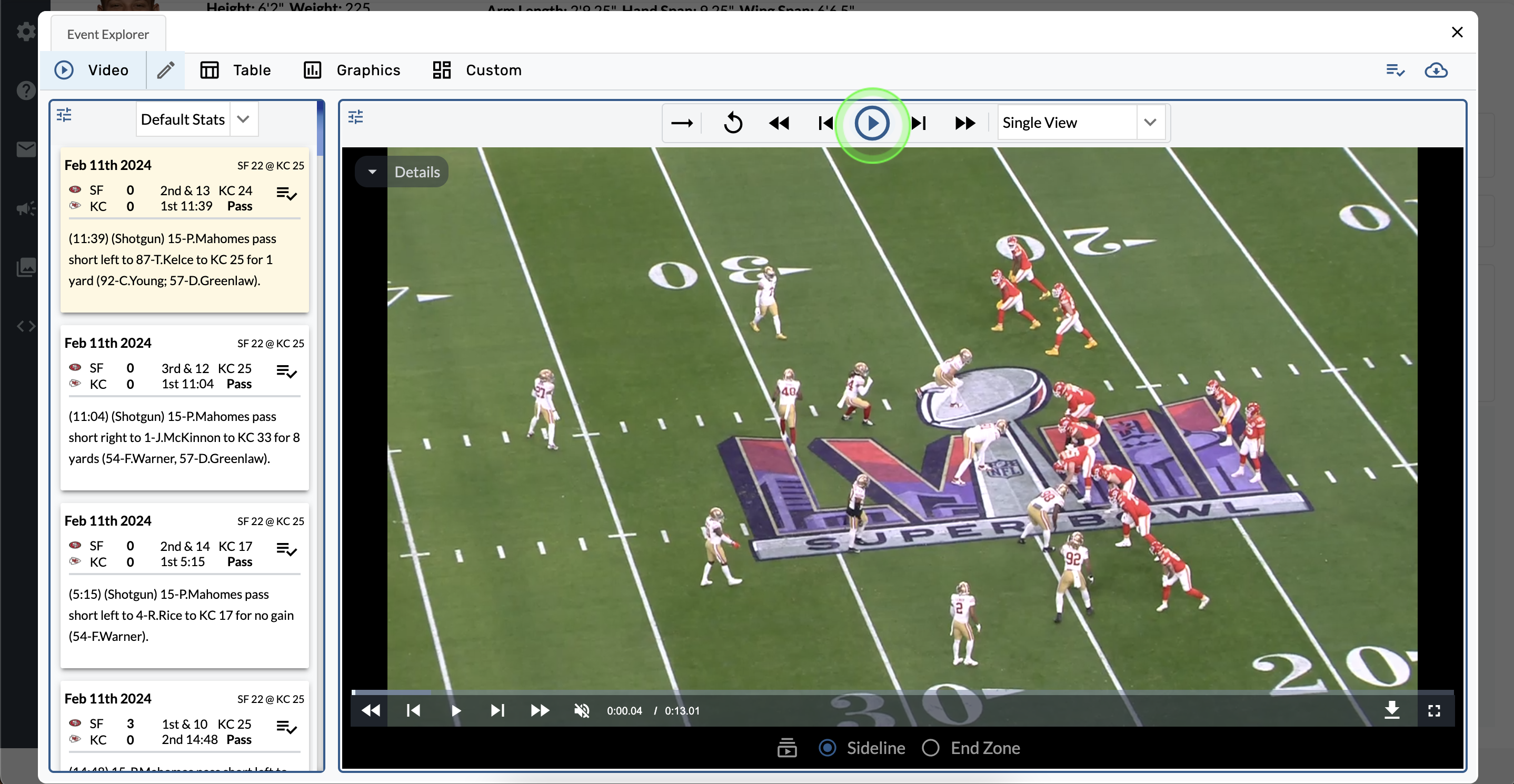
Video player controls
-
Tap the buttons at the top of the screen to play, pause, fast forward and rewind the video.
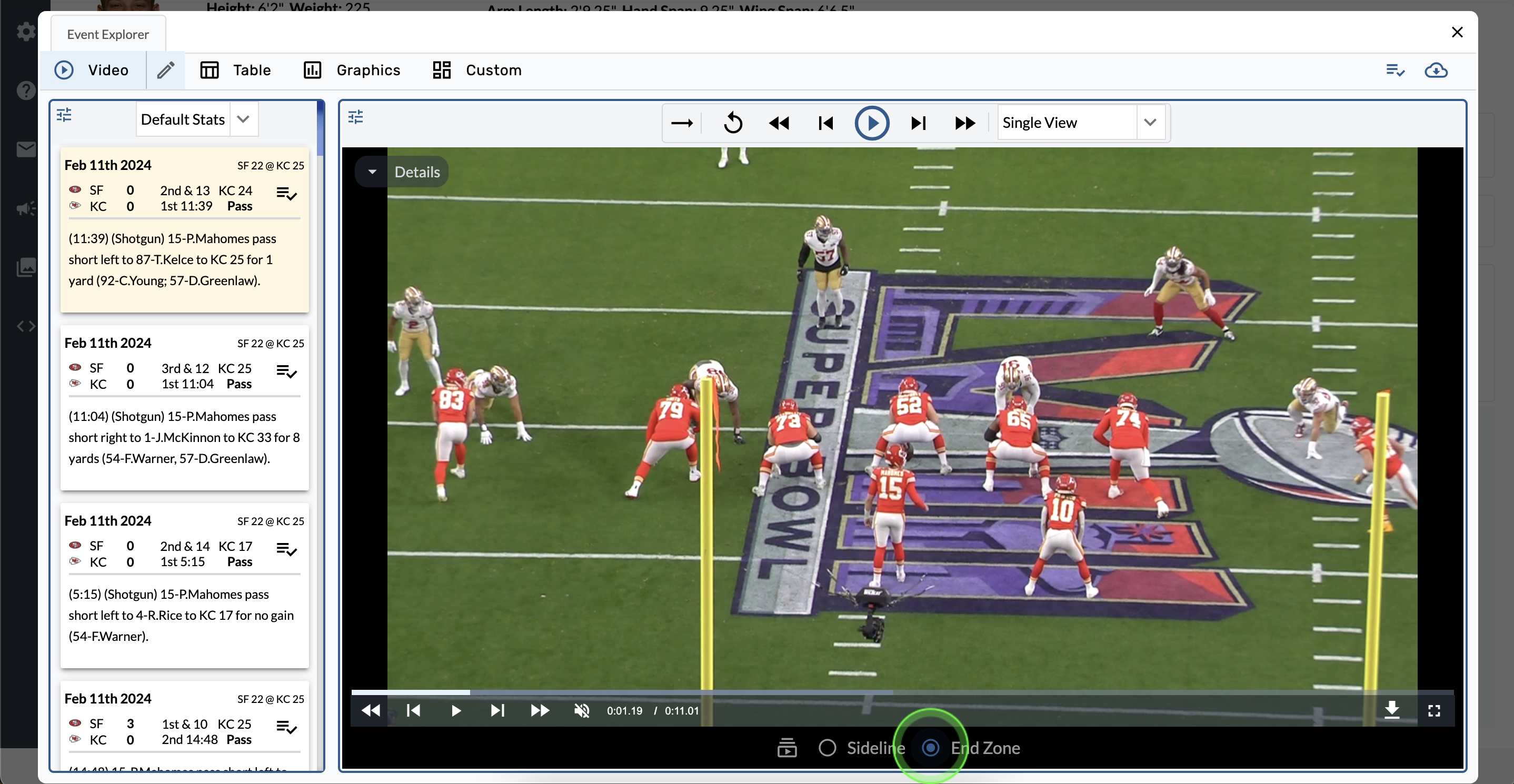
Change the camera angle
-
Select a new video angle from the available options at the bottom of the screen.
Any additional video angles are listed in the white dropdown menu.
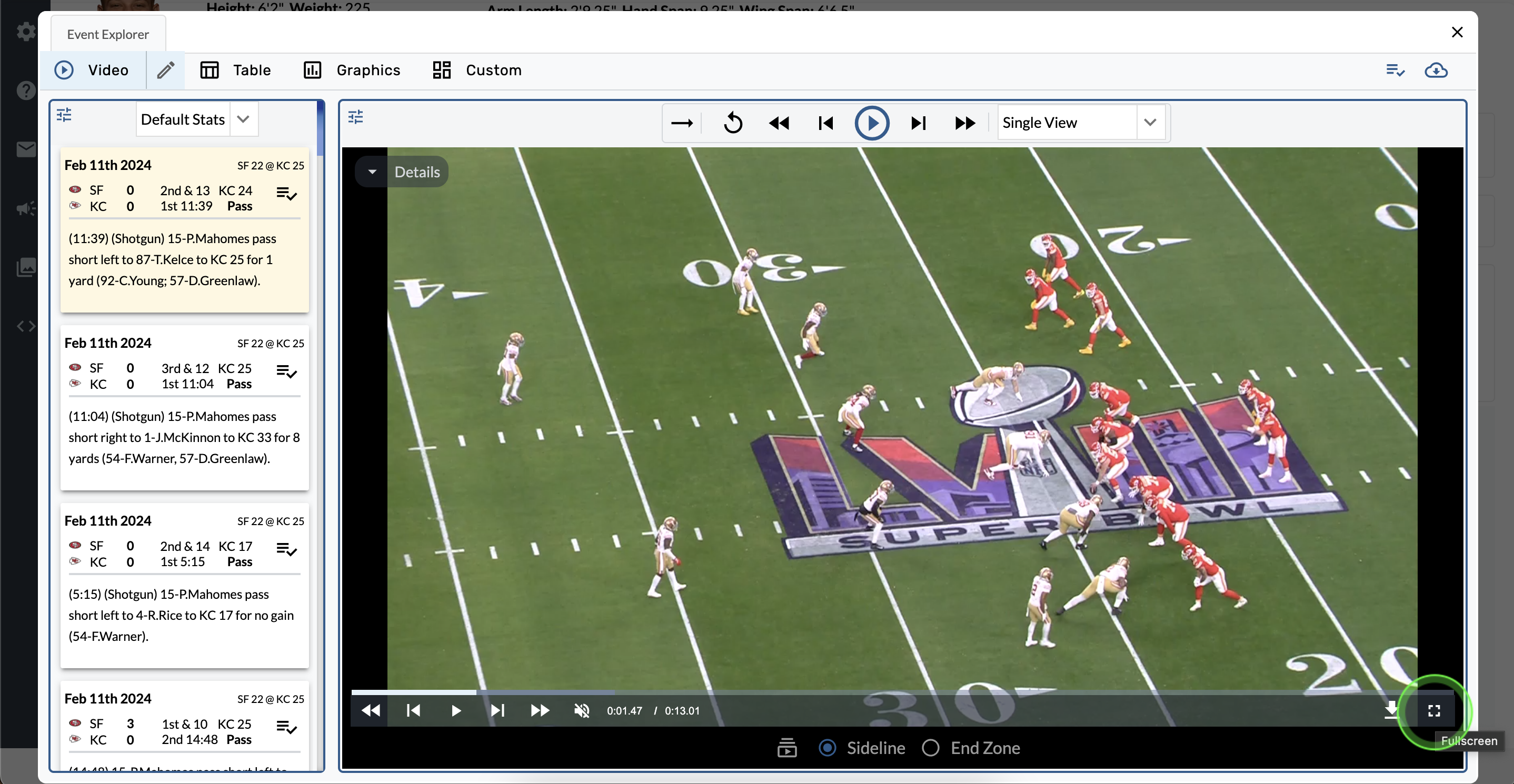
Expand to full screen
-
Tap the square button in the bottom right corner of the video.
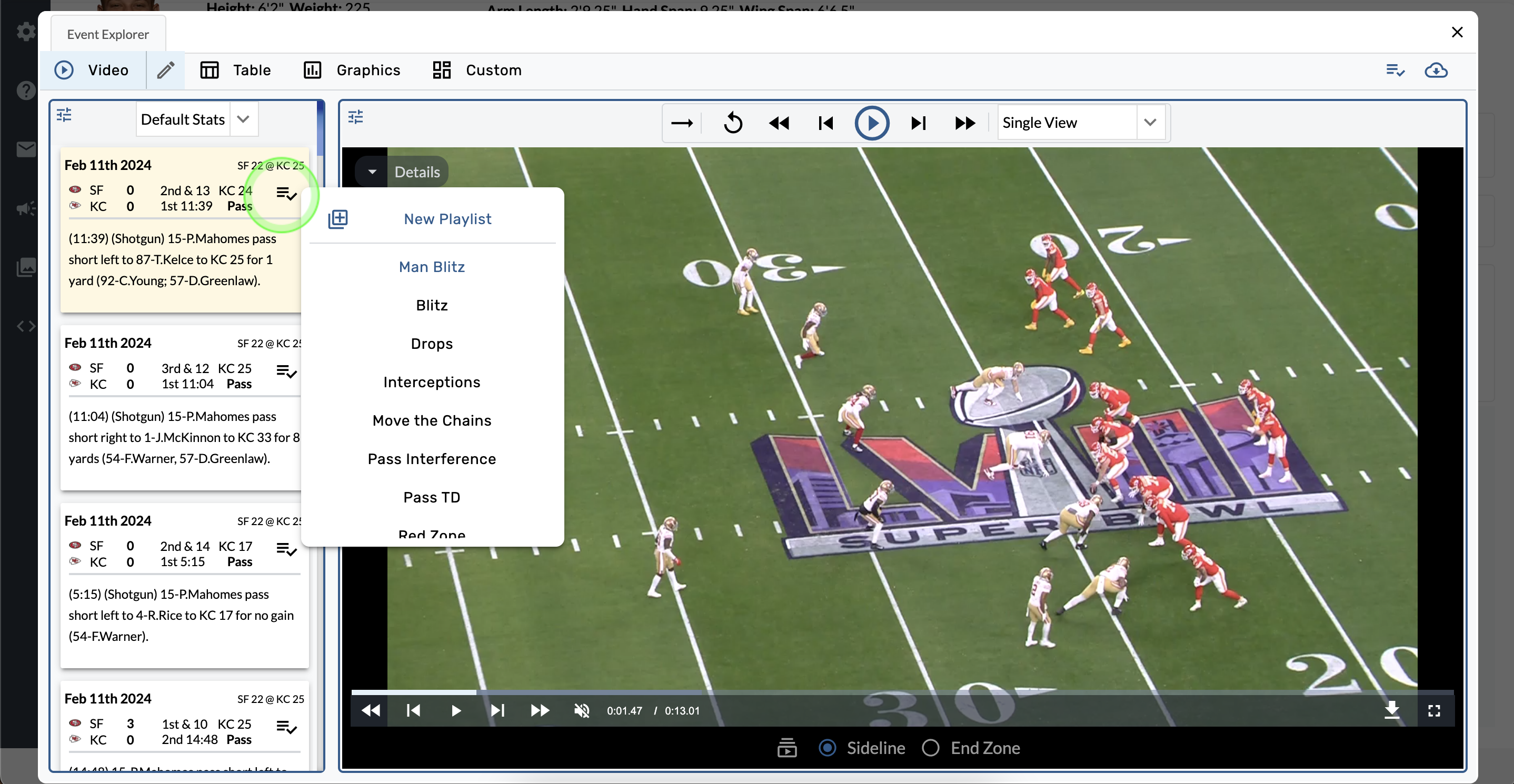
Create a playlist
-
Select the playlist button on the video tile.
-
Create a new playlist or add this video to an existing playlist.
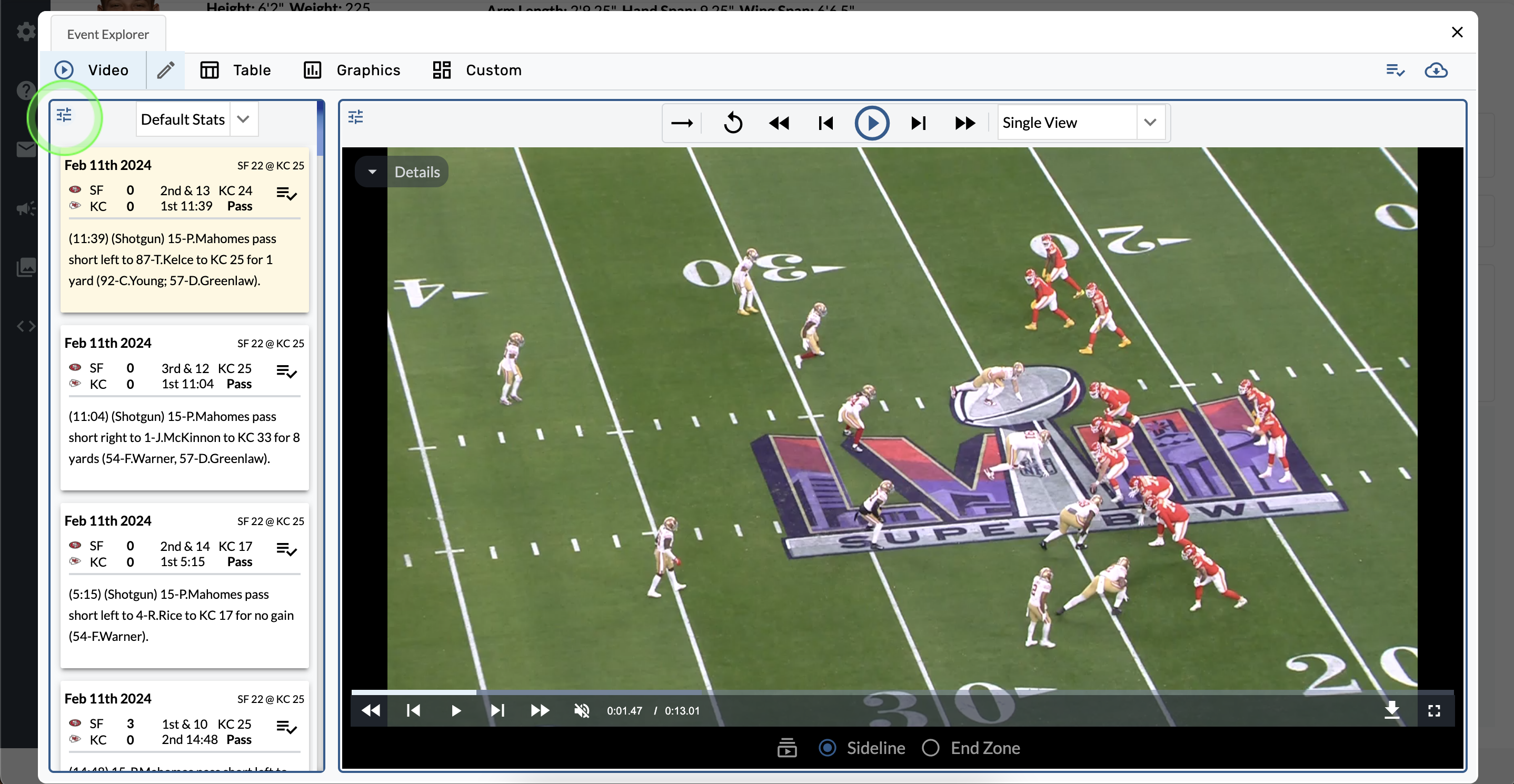
Edit the info tiles
-
Tap the Tile Settings in top left corner of the summary bar.
-
Open the dropdown menu and change the report.
Custom viewer configuration
-
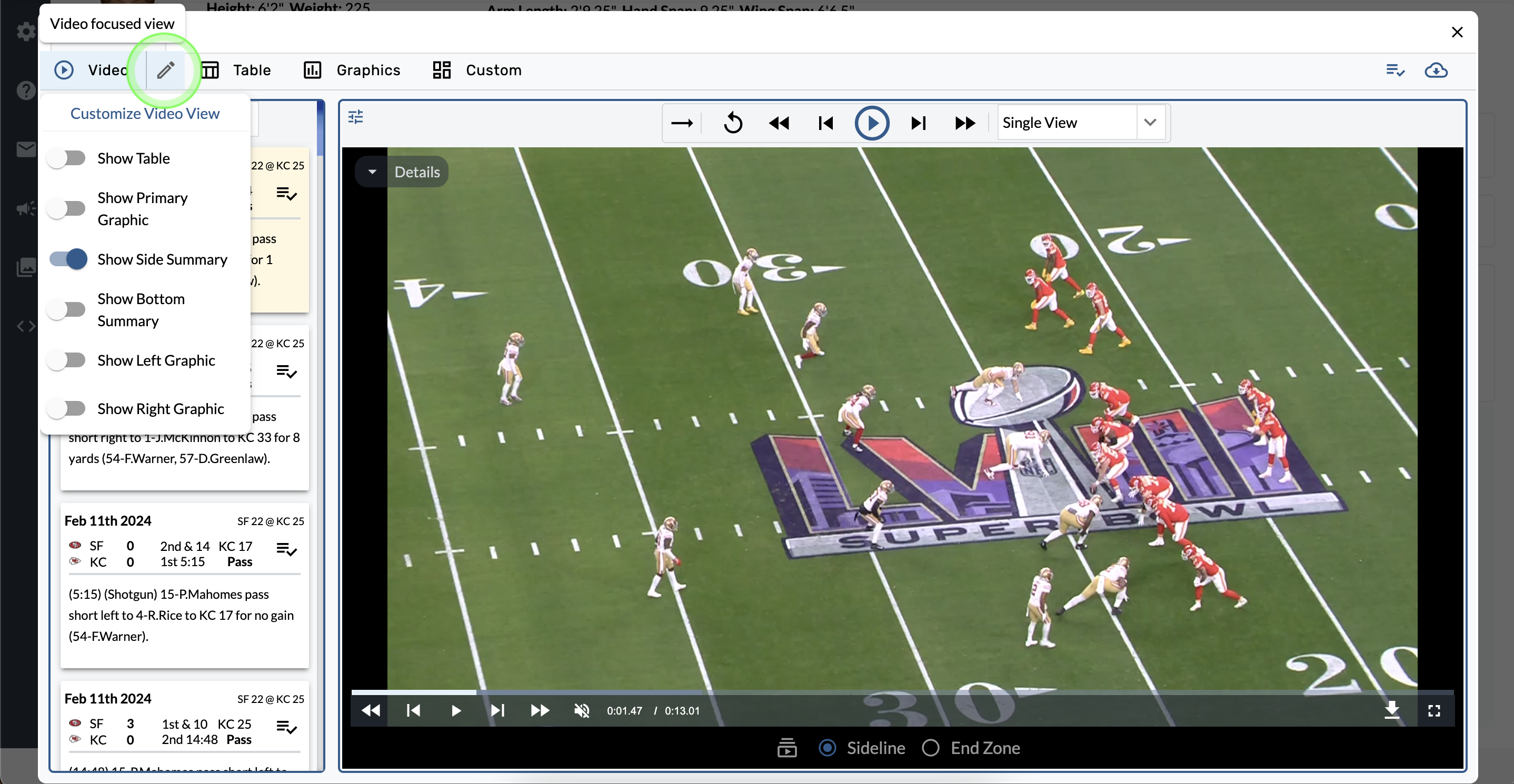
Tap the pencil icon next to the Video tab.
-
Toggle the options to set your preferences.