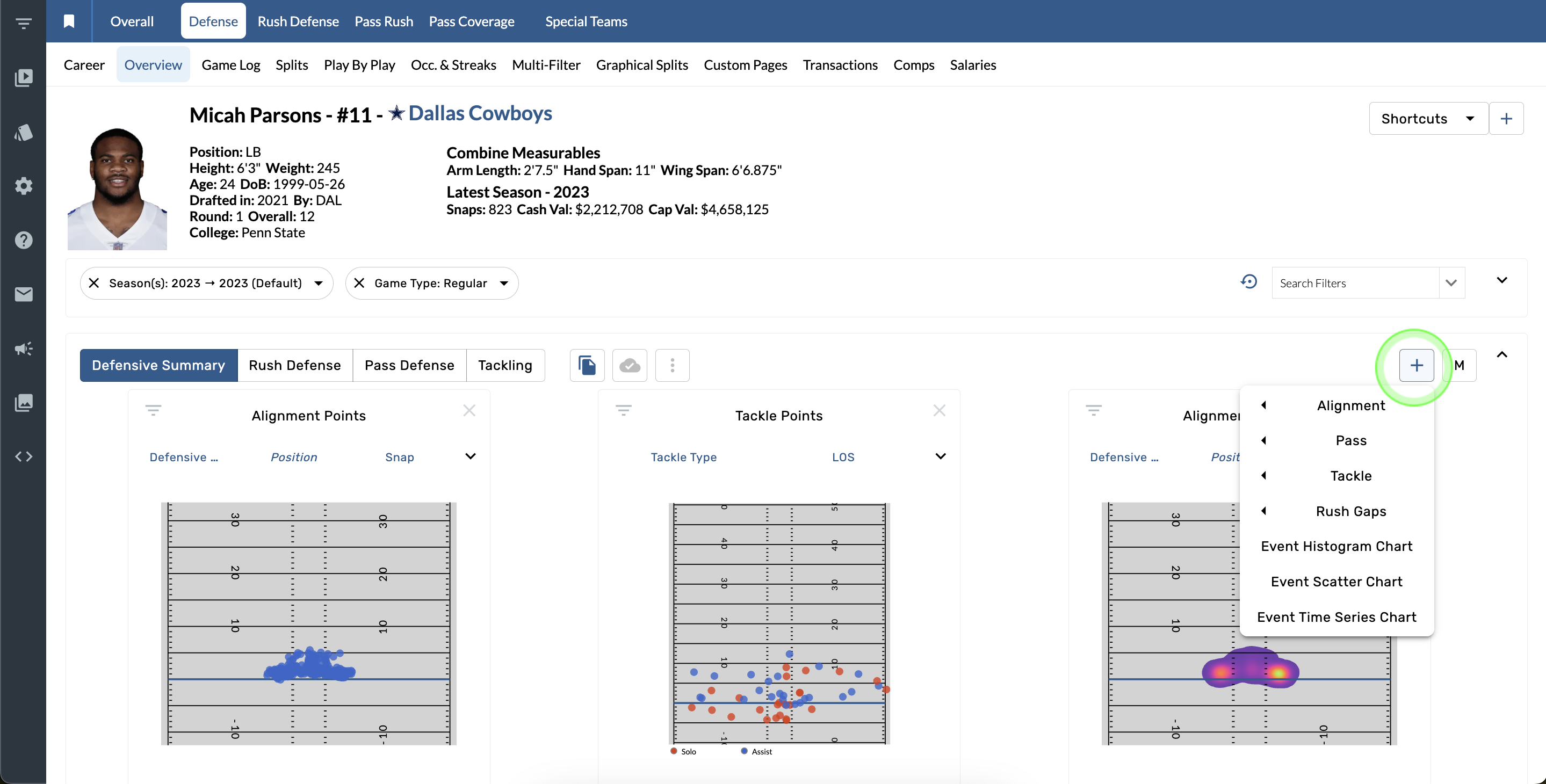
Add a new graphic
-
Tap the + button in top right corner of the graphics bar.
-
Select a new graphic from the options.
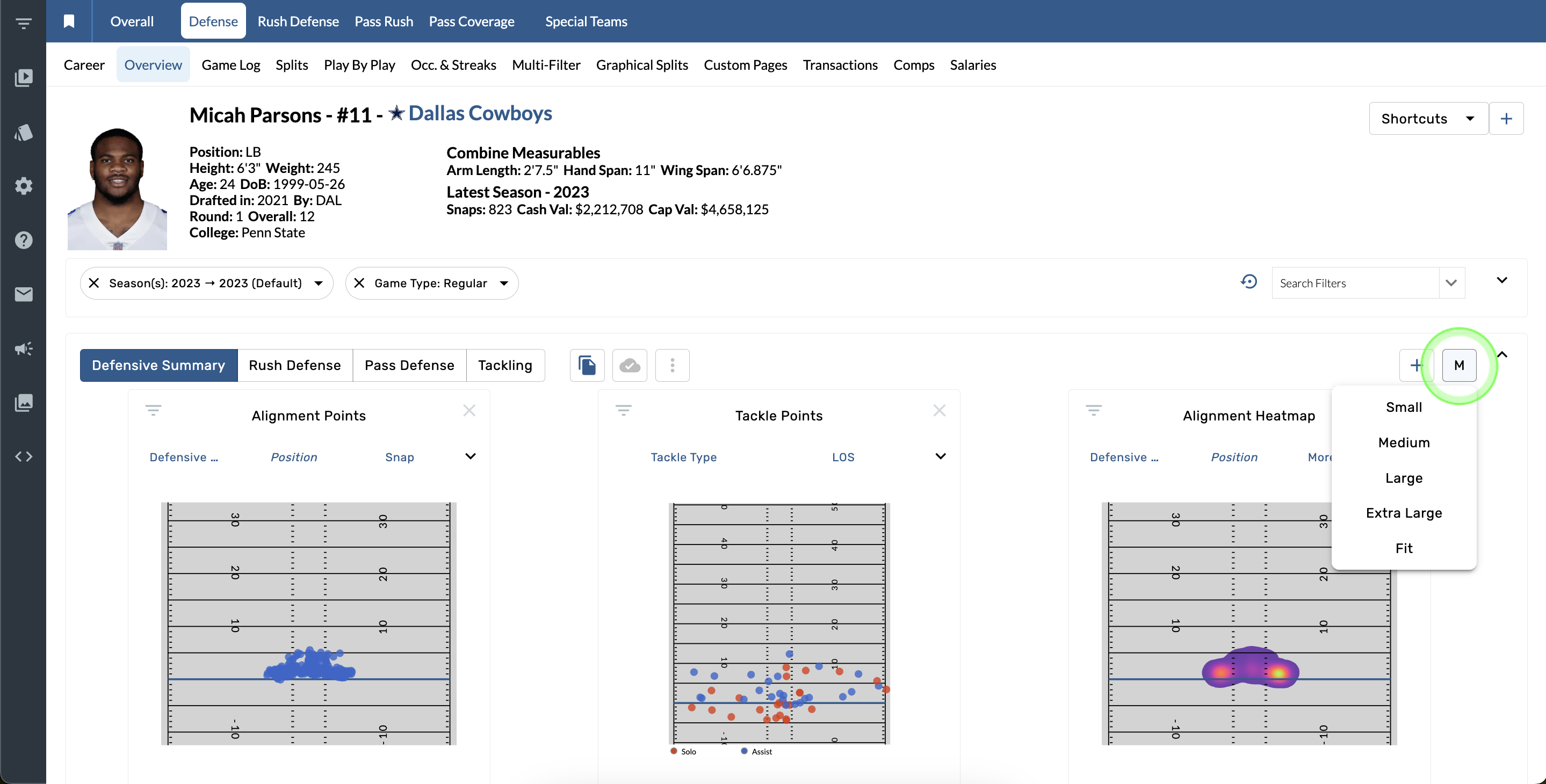
Change the size of the graphics
-
Open the size menu in top right corner of the graphics bar.
-
Select a new size from the available options.
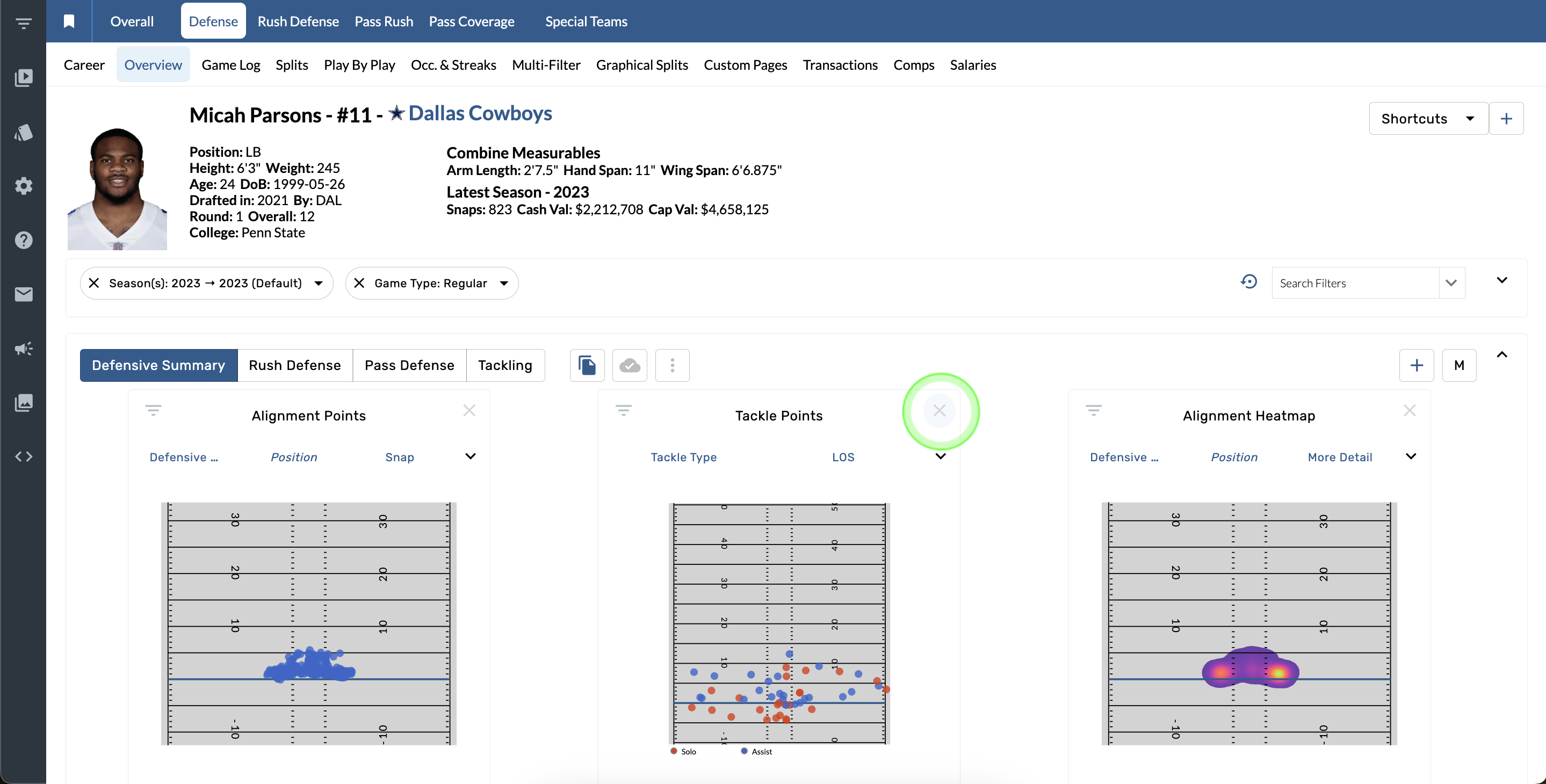
Delete a graphic
-
Tap the X button in the top right corner of a graphic.
Save a set of graphics
-
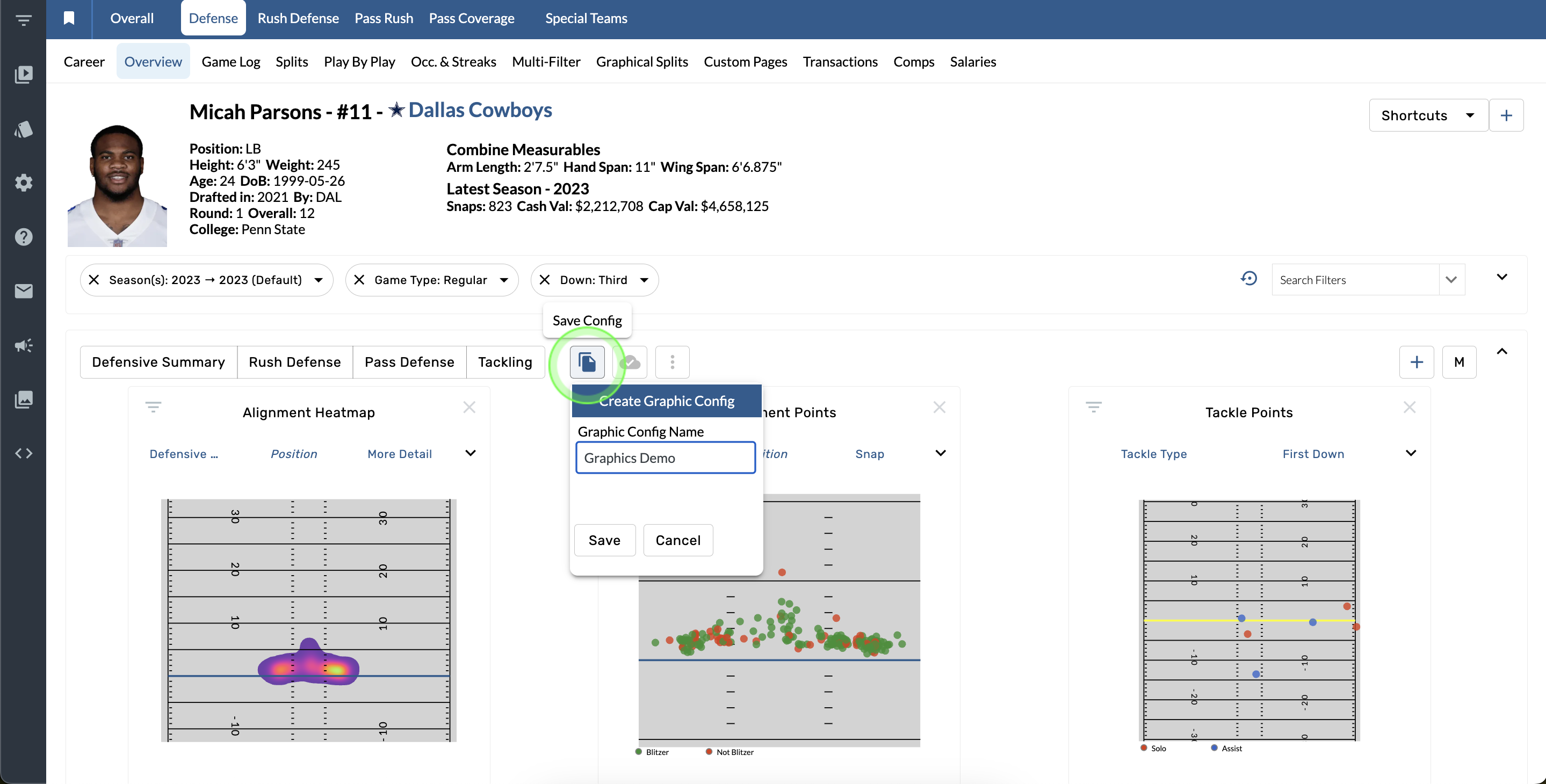
Open the Copy Graphic Config menu.
-
Name the configuration and tap the save button.
Share a graphics configuration
-
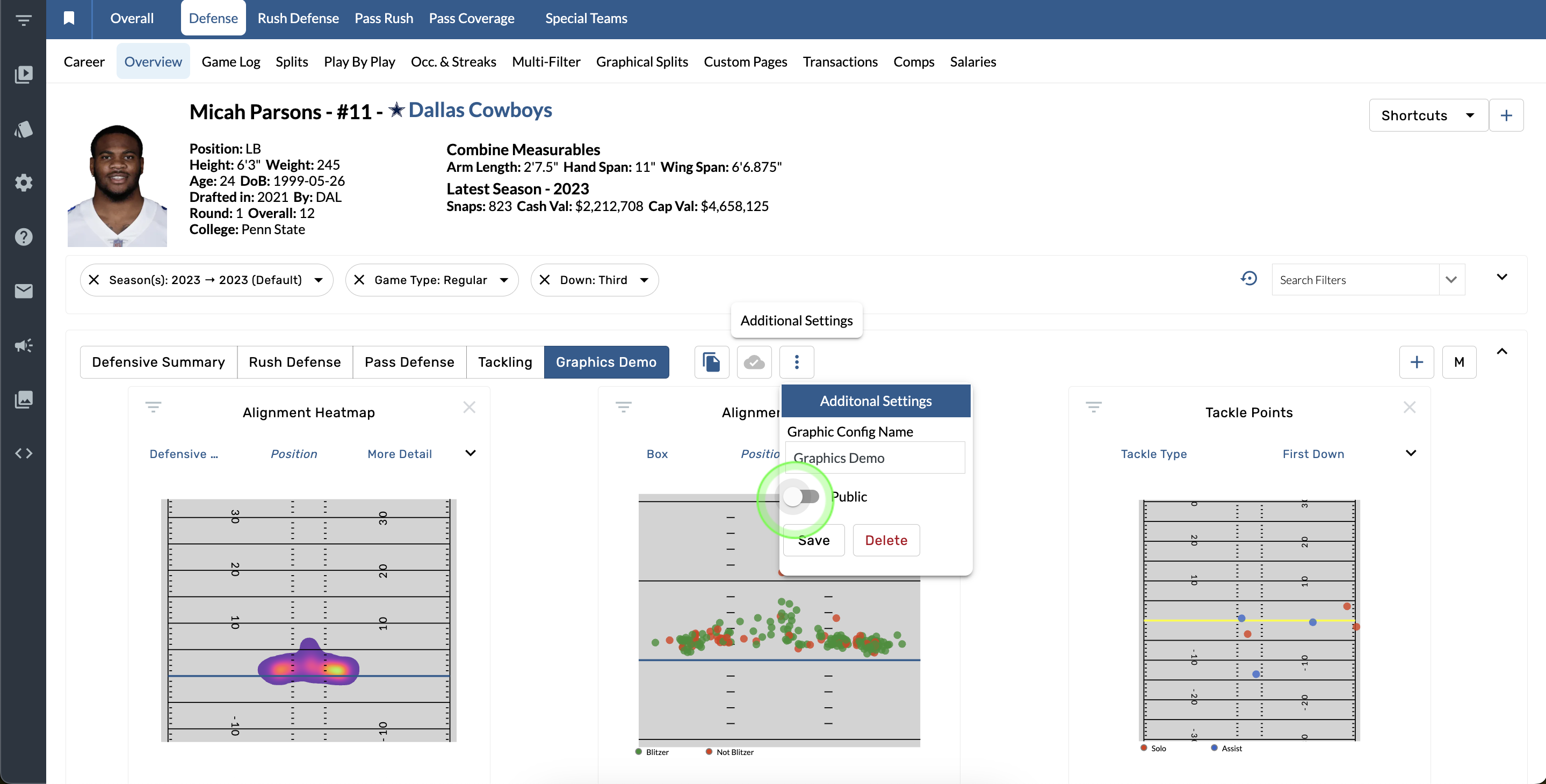
Open the Additional settings menu.
-
Toggle the Public option and tap Save.
You need an Admin account to make a public configuration.
Contact Us
Email the Support team
nflsupport@trumedianetworks.com
ncaasupport@trumedianetworks.com