Features
Post Game reports
A new report type has been added for post game evaluation. The same custom pages experience and components can be expected. Choose from a variety of layout types: Single Player, Multiple Players per Page, Team Aggregate, and Comparison.
A new Timespan control allows users to filter the data to the selected game, the season excluding the game, and the season including the game.
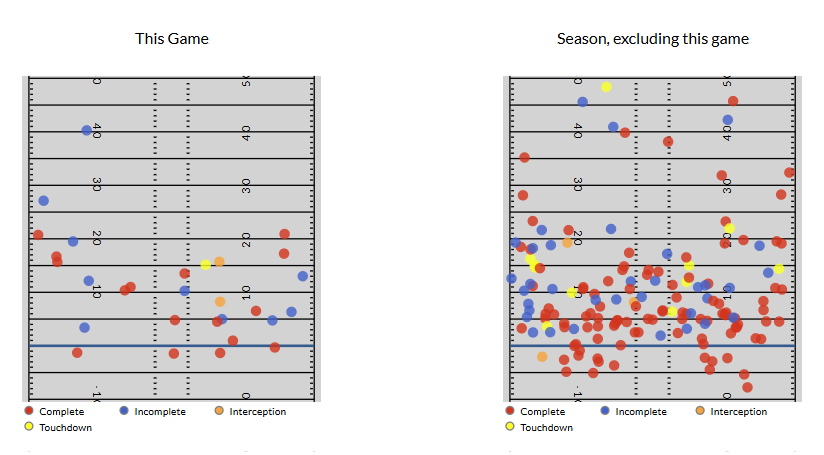
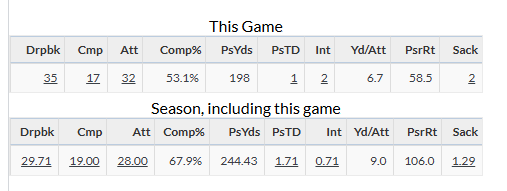
These reports are accessible from team and player pages on a newly added tab called Post Game Pages. They are also available from Game Pages.
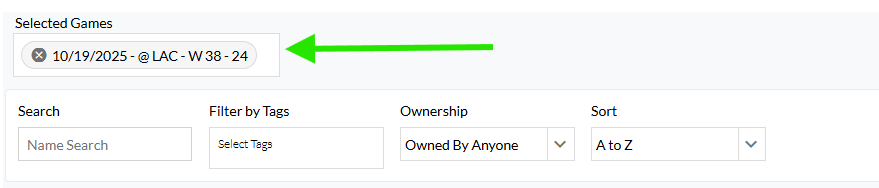
The report will load the most recent game by default. Change and add the selected game at the top of the page.
Enhancements
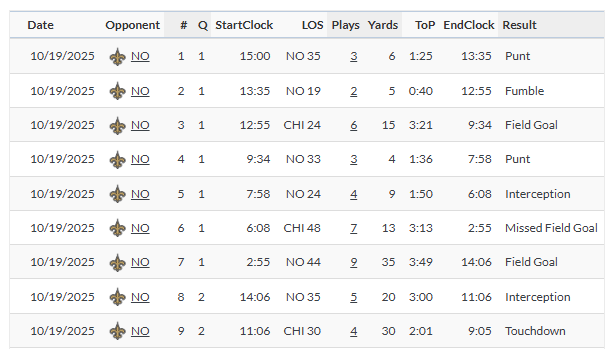
Drive Log component added to Custom Pages
New Filters
Scramble Filter (PFF Tier 1)
Drive Start Score Diff
Game-Winning Field Goal
Career Game Number with Team
Career Playoff Game Number with Team
Career Start Number with Team
Career Playoff Start Number with Team
Scored First
TV Network
Coach Season Number in League
Opp Coach Season Number in League
Playoff Seed
Opp Playoff Seed
Last Season Playoff Seed
Opp Last Season Playoff Seed
Playoff Bye
Opp Playoff Bye
Last Season Playoff Bye
Opp Last Season Playoff Bye
Last Season Award Winners
Sort by Date on Game Log pages
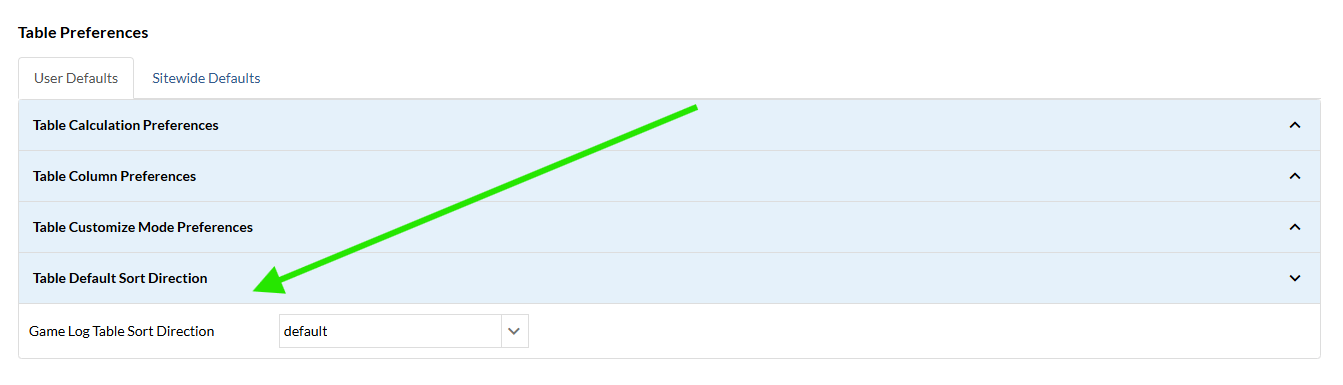
Users can now choose their sort by Date preference on Game Log pages. Sorting the table by date will save to a user’s preferences. Simply sort the table by ascending or descending and the next time the page is viewed, the sort will be maintained.
This can also be set in Settings:
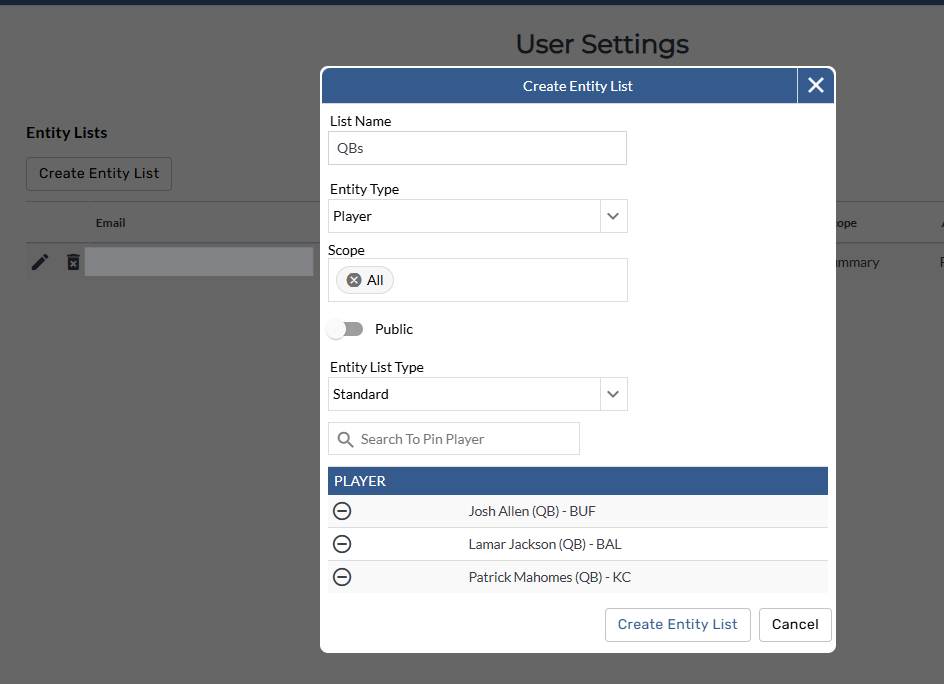
Entity Management added to Settings
Edit, delete, and create Entity Lists in a new Entity Management section in settings.
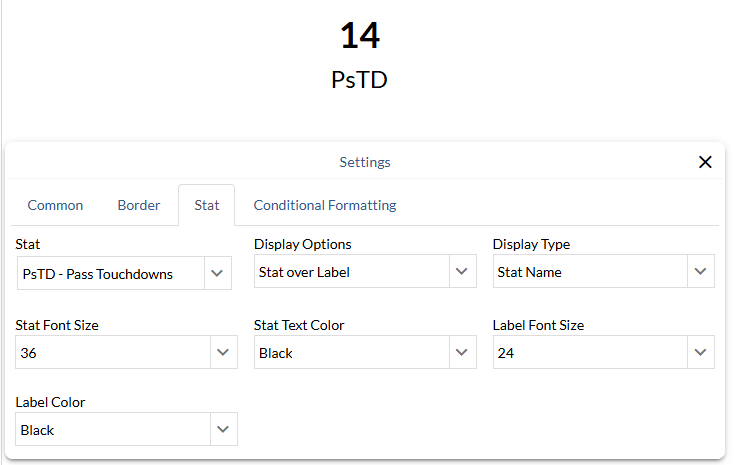
Single Stat component added to Custom Pages
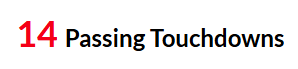
A new Single Stat component allows users to highlight a particular stat outside of a report. Customize the stat name, position, and apply static formatting for additional context.