Features
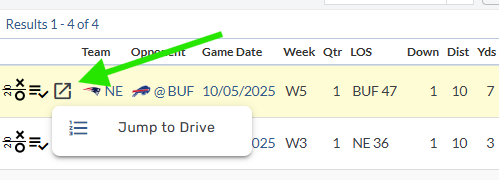
Jump to Drive
Users can now Jump to Drive for a given play for a concentrated look at the respective drive. On Play-by-Play tables, a newly added icon will open an option to “Jump to Drive”.
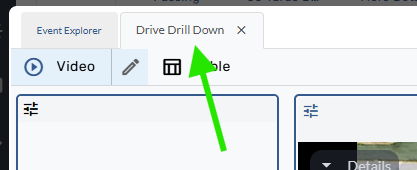
This will send the user to a new tab “Drive Drill Down” in the Event Explorer.
Recent Playlists
Users can now change playlists in the event explorer. At the top of the video player, a new section with playlist details can be found. This description shows basic information of the playlist including team/player, selected stat, and the page filters.
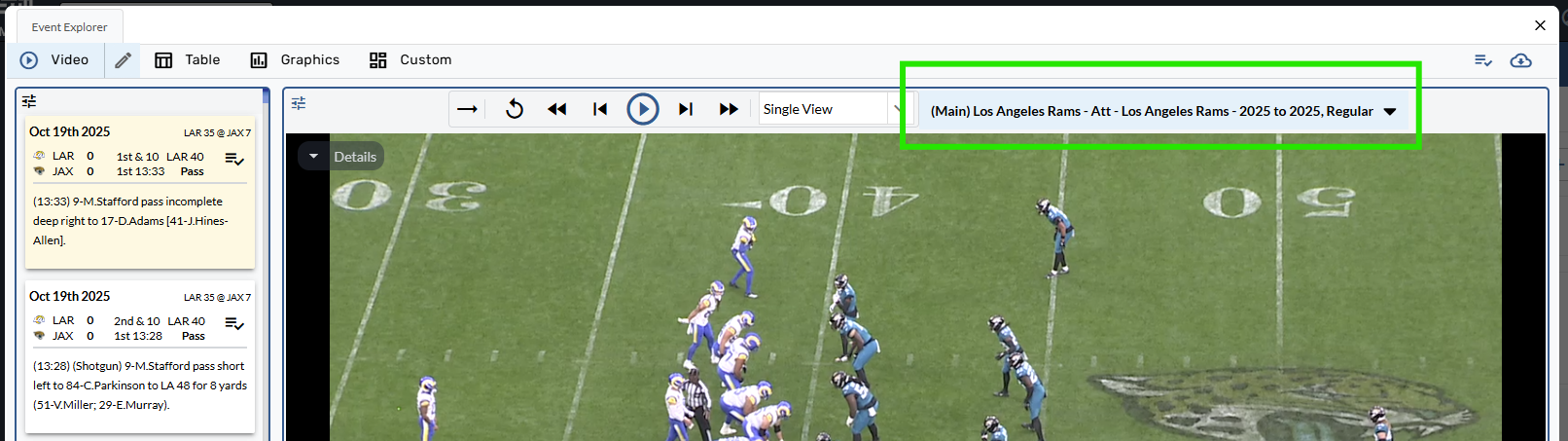
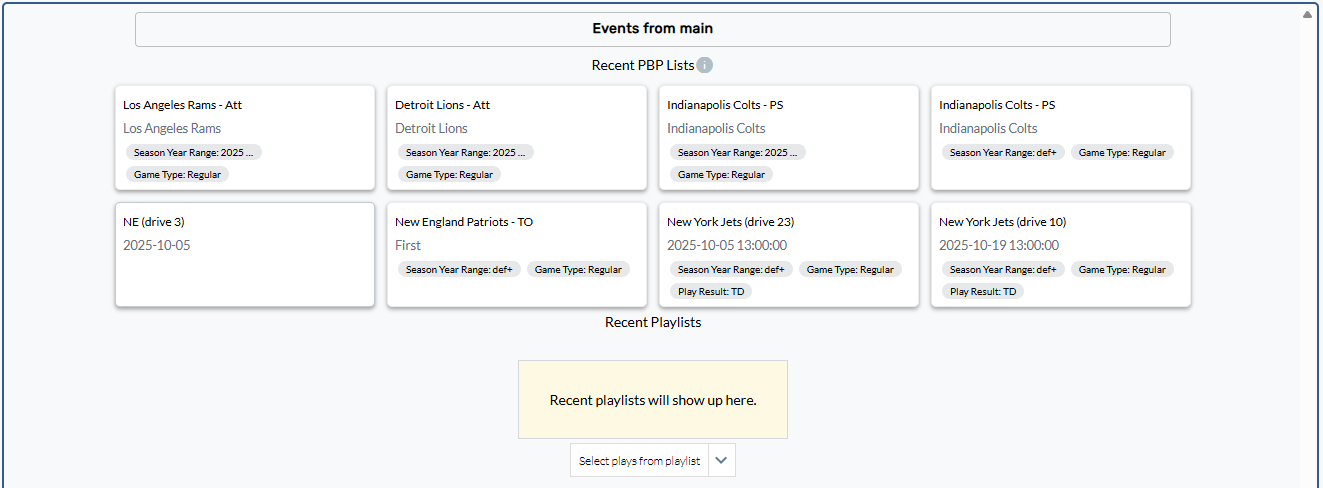
Clicking on this section will open a Recent Playlist menu showing a user’s recently viewed playlists, both event and curated.
Enhancements
Game-Winning Field Goal stat added to FG/XP/2Pt reports
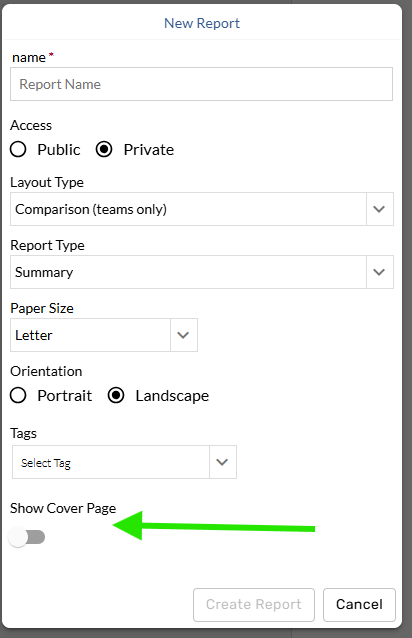
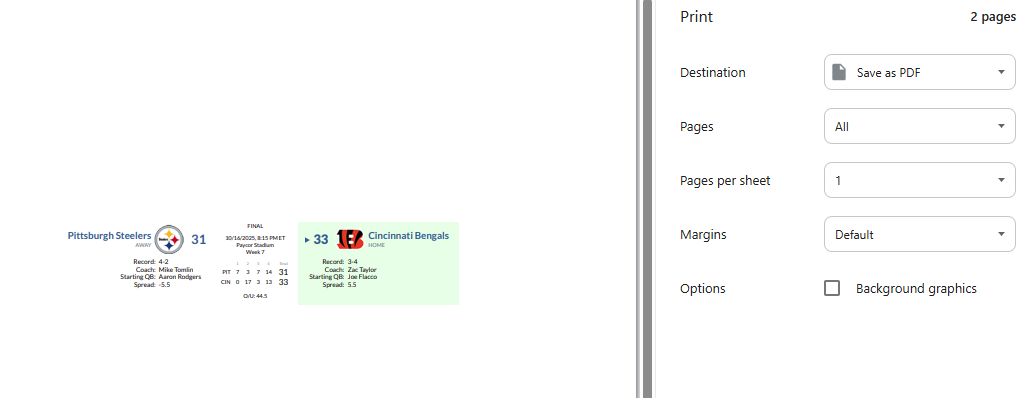
Include Game Summary header in post-game reports
Sort a table by any stat without adding to report
Custom pages tables can now be sorted by a stat that isn’t included in the table’s report/stat assortment. This change allows users to sort a Drive Log table by a fixed stat such as TOP or Drive Plays.
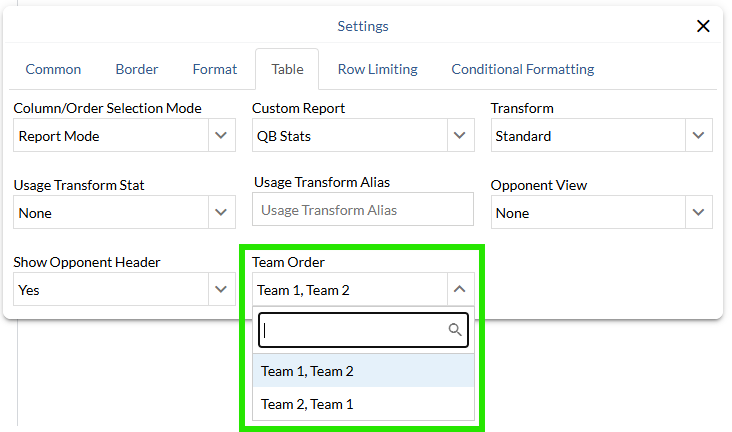
Team Order control added to Comparison tables
A new team order control allows users to choose which team appears first in a comparison table.