Contents
Improvements
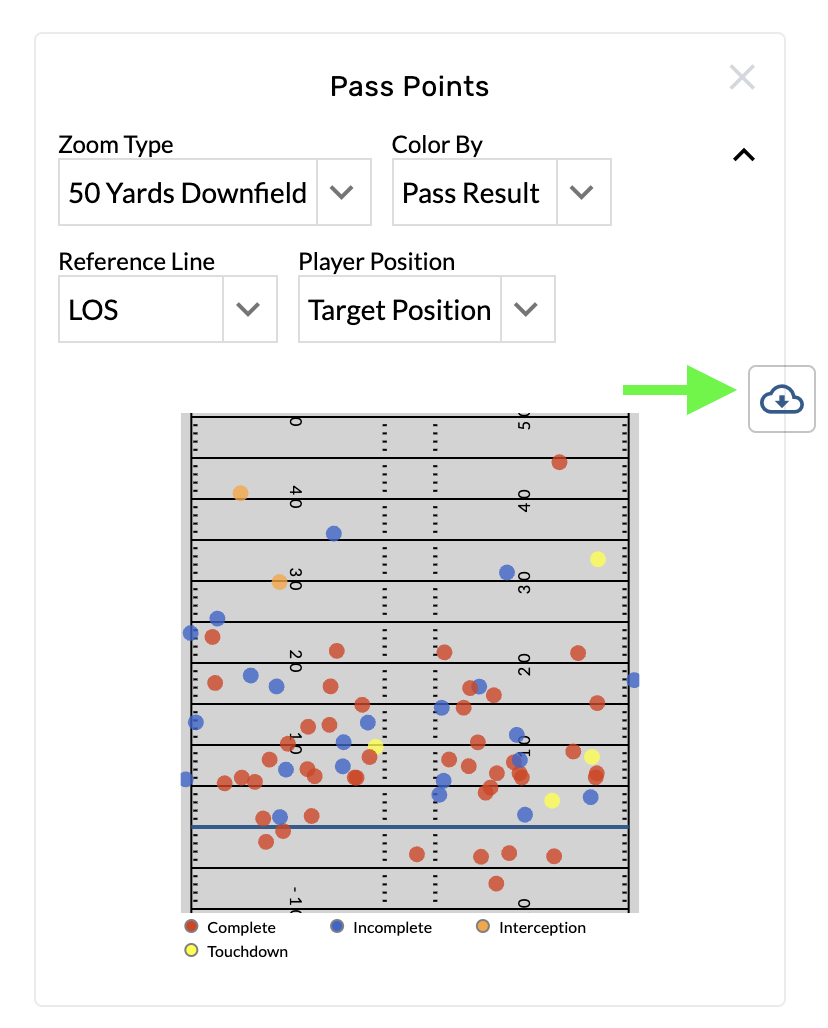
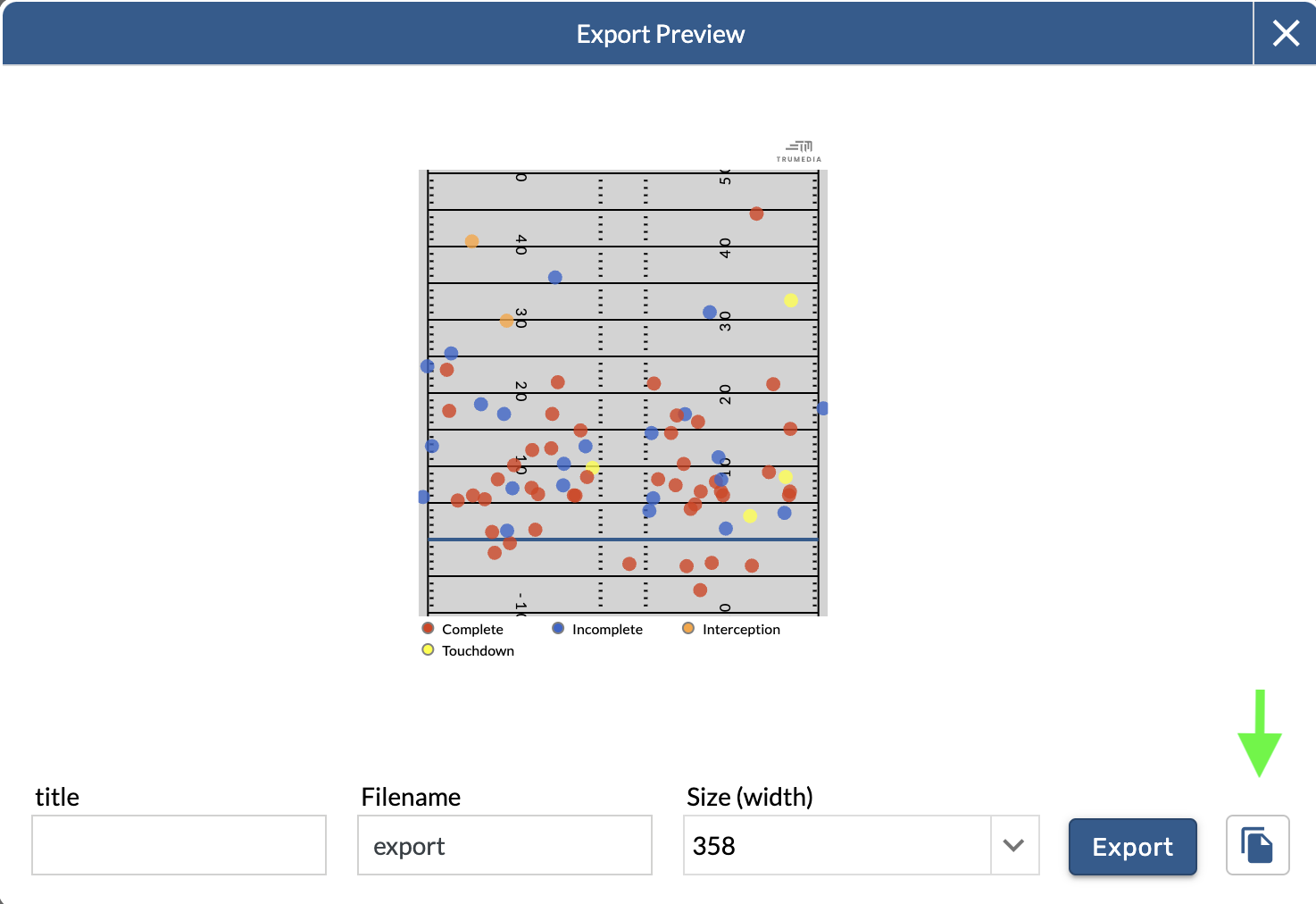
Export image to clipboard option
This is a faster way to export images straight from the site into a presentation/report outside of TruMedia
Shortcut Default Entity Selection
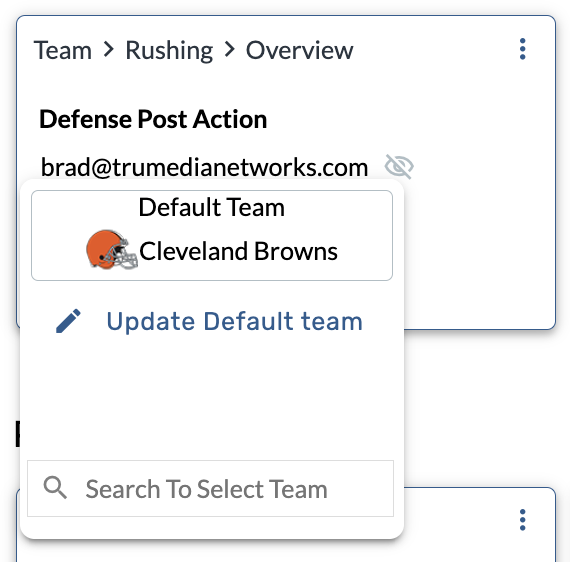
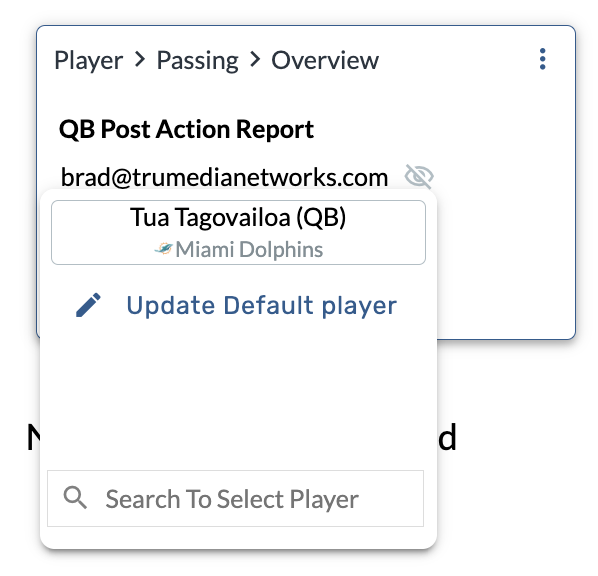
Users can set default teams/players for shortcuts. When a shortcut is selected, users can choose between the default or search for alternative options.
Previously using an entity shortcut on the sitewide shortcut page didn’t feel much like a shortcut at all since you had to type and search for a team every time. This gives users who view the same players/teams a lot the opportunity to get to their favorite pages a lot faster.
Sitewide Shortcut cleanup
Player ID filter added
Powered by GSIS Player IDs
Native touchdowns report adjustments
Changes some native touchdown reports to put the focus position player TDs rather than QB TDs.
Primary Pass Concept (PFF) Filter added
Scouting Position added to Comparison Set Filters for Roster Tables
Custom Page Updates
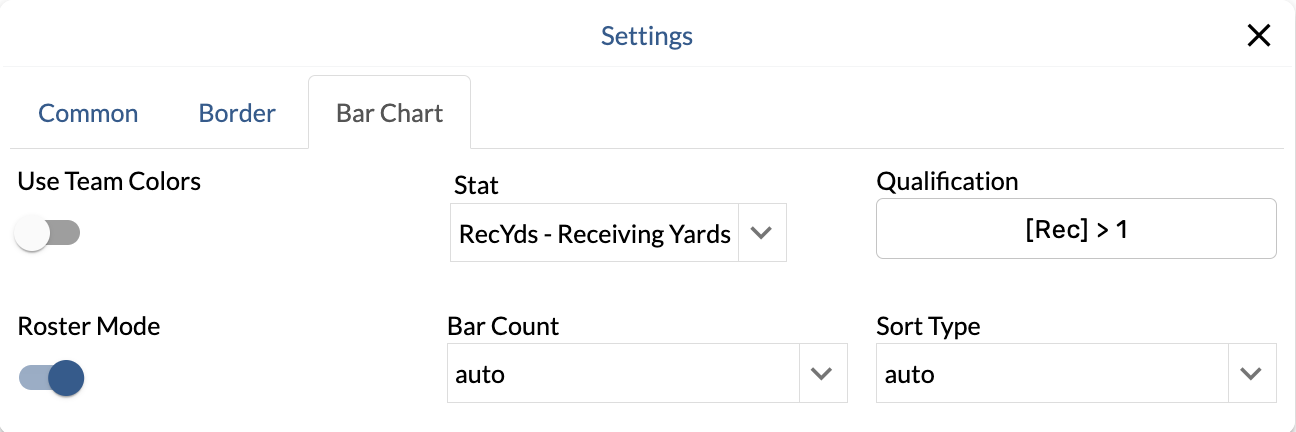
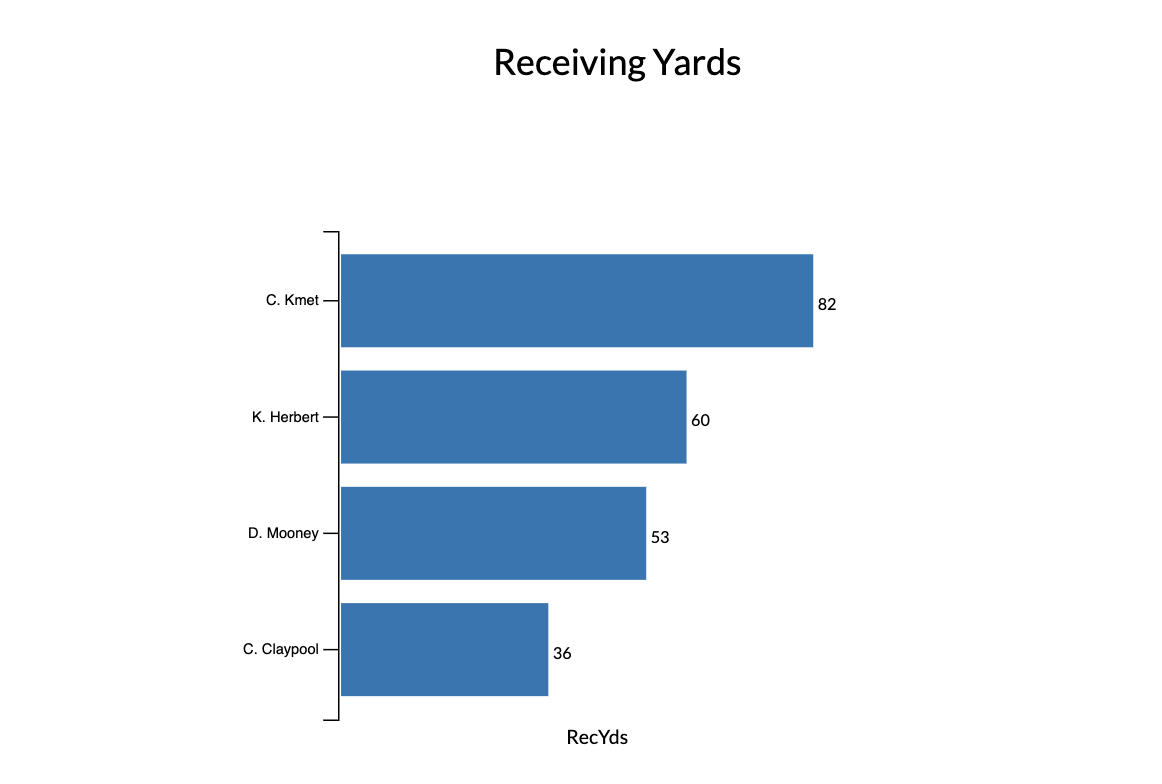
Roster Bar Chart added
You can now create a roster leaderboard bar chart page like this in custom pages. Previously, it was only available as a bar chart on the player sortables or roster pages.
Bug Fixes
-
Navy blue added to custom page colors
-
Reduced erroneous bright red errors flashing during initial Custom Pages loads.
-
Fixed a bug where hovers on some Custom Pages components had to start on a certain area of a component to be properly triggered.
-
Fixed a bug that was causing performance issues site wide.
-
Fixed bug where player filters were not available as comparison set filters.