Enhancements
Custom Pages Roster Settings Improvements
On a Custom Page report, after making changes to a roster, that custom roster will now persist changing reports.
For example, if I open a Custom Pages report, change the roster, print/save the report, and then switch the report, the roster will be maintained.
As outlined below, there are additions that allow users to circumvent this behavior. The reset button will revert the roster to its default. Users can also apply a setting in the builder that will force the custom roster established there.
New Roster Settings button
A more detailed Roster Settings button has been added. It is now located above the report.
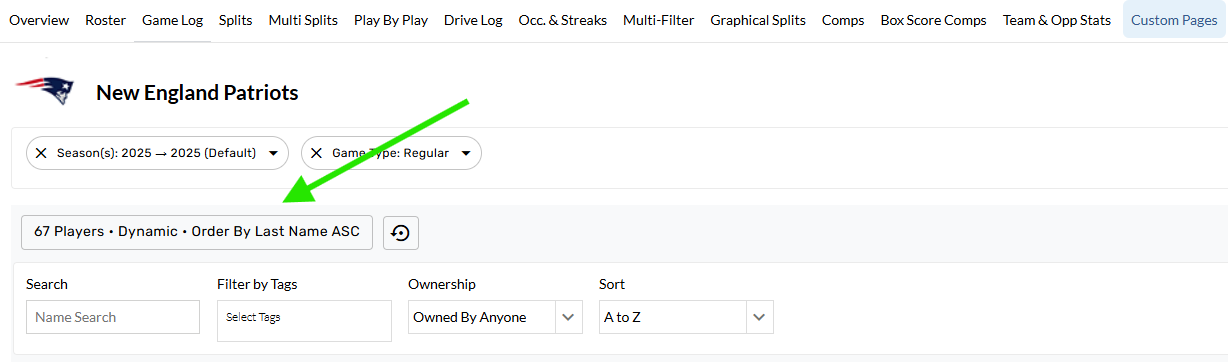
Additional information outlining the default + custom settings configured for the report are displayed.
New Additions
-
Reset button. This will reset the roster settings to the default roster source + order by.
-
Bigger Settings window
-
Method control: Dynamic + Custom
-
Dynamic: Pulls players that are currently on team
-
Custom: Any changes to the roster (adding/removing players, custom order bys, etc.) will change the roster method to Custom.
-
-
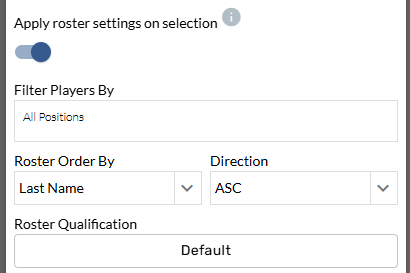
Apply Roster Settings on Selection toggle
-
Roster Settings have been hidden on the Builder when this toggle is off. When it's on, users can apply custom settings to a report which will be applied upon selection.
-
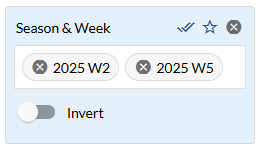
Season & Week filter added
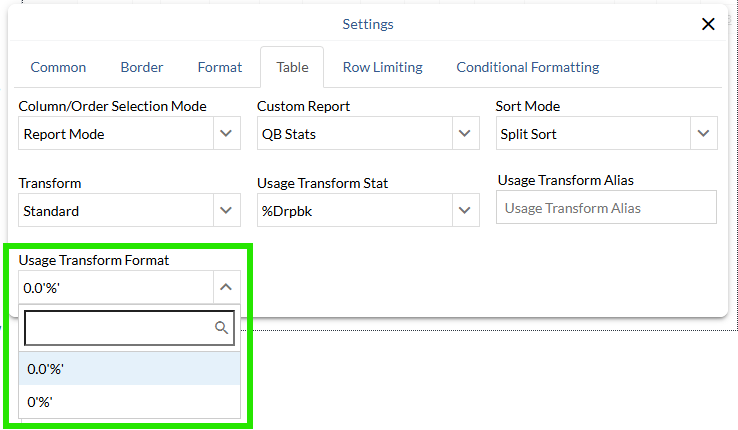
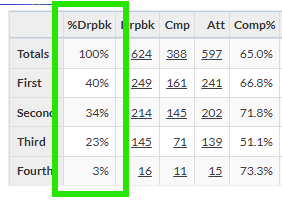
Transform Stat Format settings added to Splits Tables
A new control has been added to splits tables allowing users to format the usage transform to 0% or 0.0%