Features
Graphics added to Event Explorer
Charts are now available to view alongside video in the event explorer. The selected play is highlighted in the graphic on the right and users can also view a new play by tapping a point on the chart.
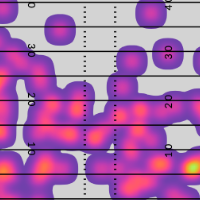
Bills Red Zone Attempts
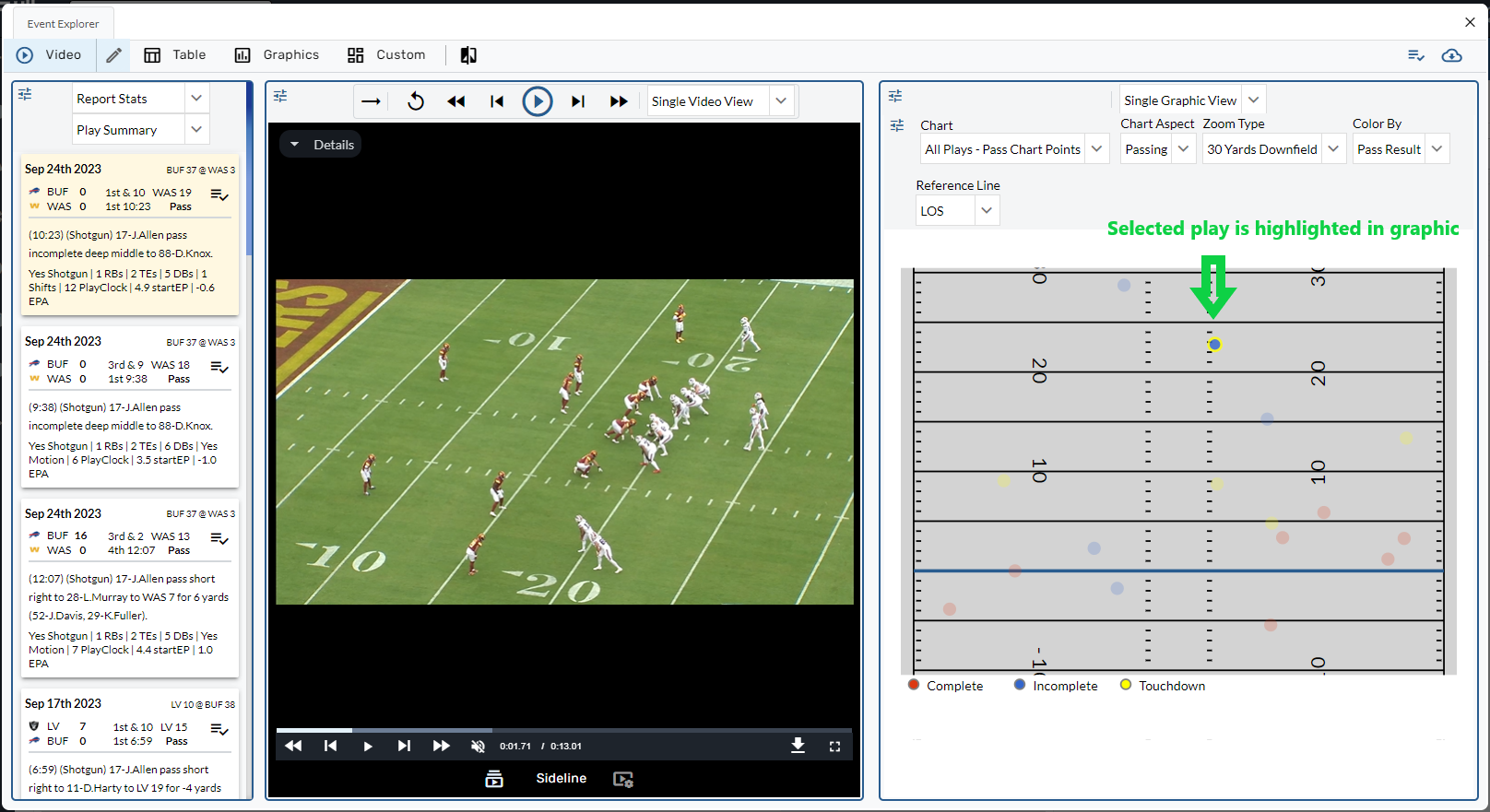
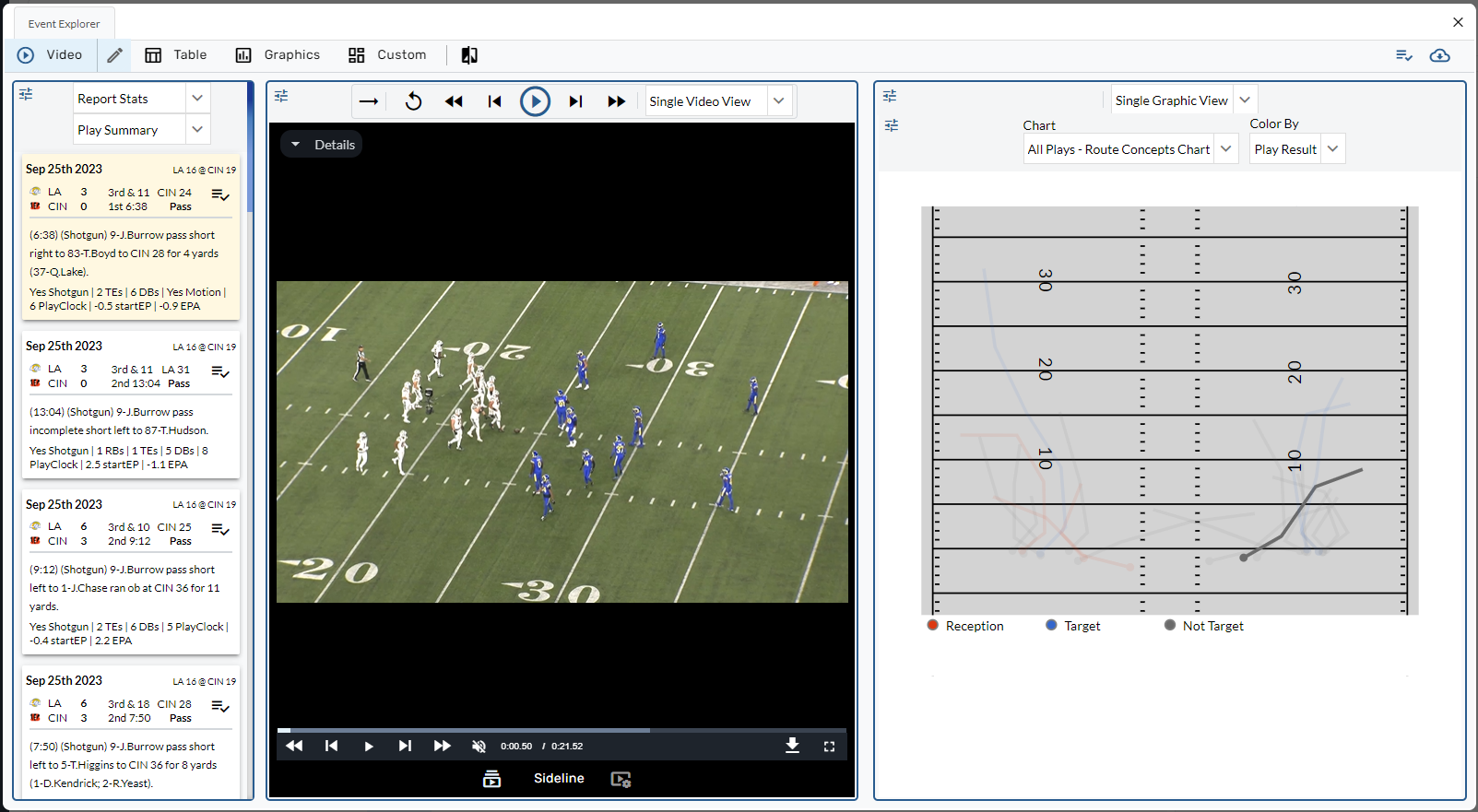
Ja'Marr Chase's Routes on 3rd + Long
Enhancements
Shortcut Selection, Edit Mode, + Reset Page
We’ve revamped shortcuts with improvements to shortcut selection, a new edit mode, and the ability to reset pages.
Before
After
Edit Mode
Similar to Graphic Sets, users can now edit + copy existing shortcuts.
When there are no changes to the page configuration, the save button will be disabled.
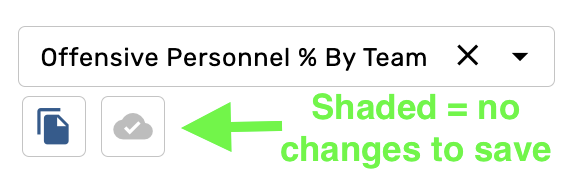
When there are changes to the page configuration, the save button will be enabled. There will also be an asterisk next to the shortcut name to indicate that the page does not match the initial shortcut config.
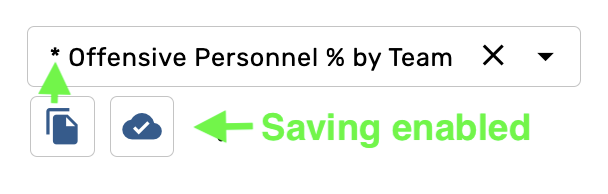
Users can make copies of shortcuts by clicking the first icon below the dropdown.
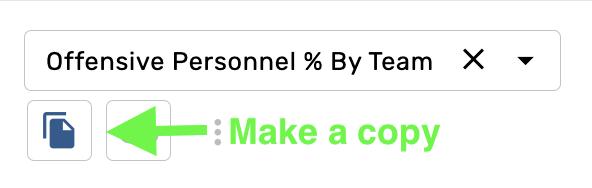
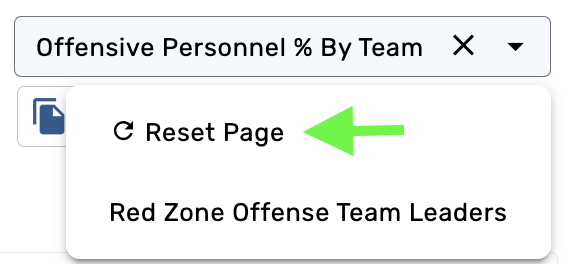
Reset Page
The first option in the dropdown menu is now “Reset Page” which will restore the page to the default state.
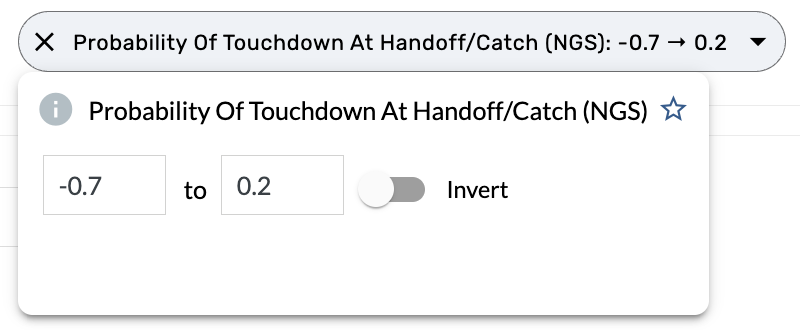
Step size parameter added to range filters, use parameter to change step size for up/down increments in input
All range filters were previously restricted to an incremental change of 1. Several filters on the site have been updated with new increments to makes it easier to use filters with decimal values such as Time to Throw, Probability of Touchdown, etc.
Use team colors option added to time series charts + swarm charts
EPA/Att added to Bin Color options for Pass Bins on media sites
Custom Page Updates
Sort Mode added to PBP tables
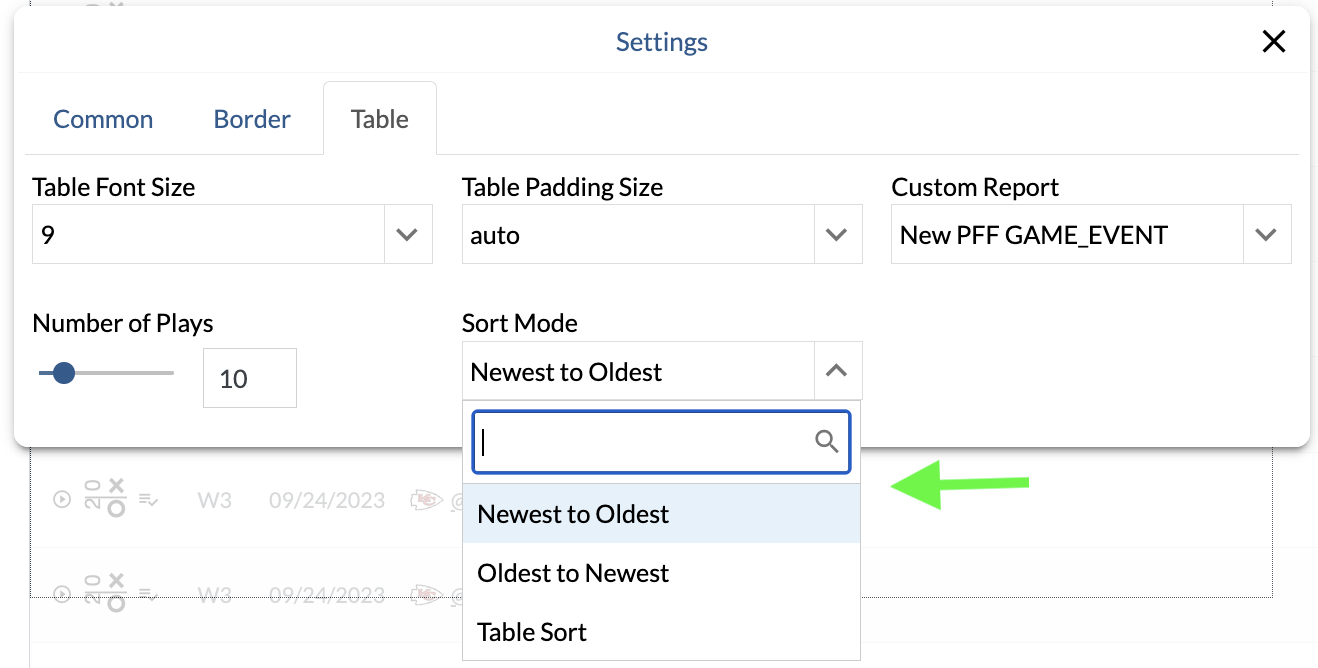
Previously, PBP tables on custom pages were restricted to oldest-to-newest. These new options increase the value of these tables, giving more control to the user.
"Format Integer Stats" Yes/No Dropdown setting added to Static Formatting
This allows users to disable static formatting for integers in tables giving more flexibility in highlighting rate stats.
Max Rows increased to 16 on Custom Pages
Bug Fixes
-
Fixed a bug where component filters were not affecting roster bar charts.
-
Fixed a bug that caused incorrect page numbers when printing multiple-player reports